Showing posts with label iHeartFaces. Show all posts

Friday, May 22, 2009

iHeart Faces: Fix It Friday #14


Over at iHeartFaces.com, they have a weekly event during which they take a "not-so-good" photo and give it to their contributors to "fix" in whatever photo editor they wish to use. There's no prize, but it's something fun for design geeks like me to do on a Friday afternoon.

To the right is the image they provided for Fix-It-Friday, Week #14.

Below is how I edited it to my own liking.
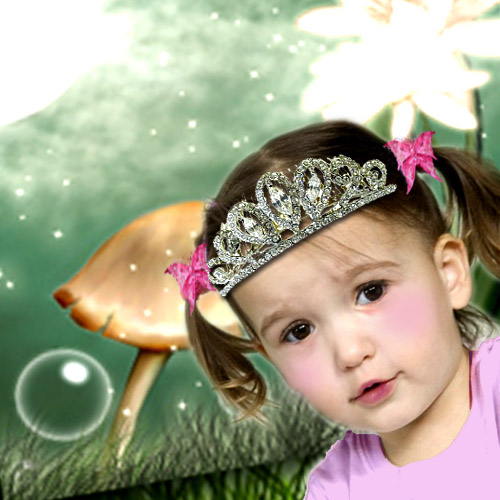


This one might be a little over-the-top and overedited, but it's getting late and I don't want to have to come back to this tomorrow. *whistles*

I used Photoshop to touch up. Masks and several layers were used. Background is a part of an image I found on the web.

Please comment and let me know what you think!

There are a lot more images to check out from other contributors, so click on that link if you'd like to see them too.

Friday, March 27, 2009

iHeartFaces: Fix Friday #8


Over at iHeartFaces.com, they have a weekly event during which they take a "not-so-good" photo and give it to their contributors to "fix" in whatever photo editor they wish to use. There's no prize, but it's something fun for design geeks like me to do on a Friday afternoon.

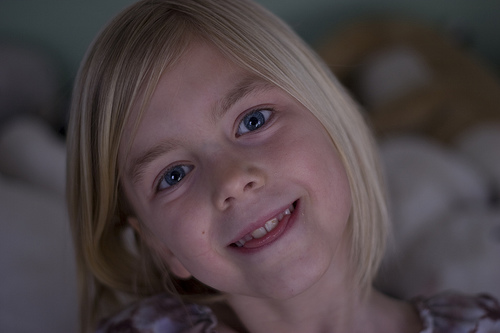
Above is the image they provided for Fix-It-Friday, Week #8.

Below is how I edited it to my own liking.


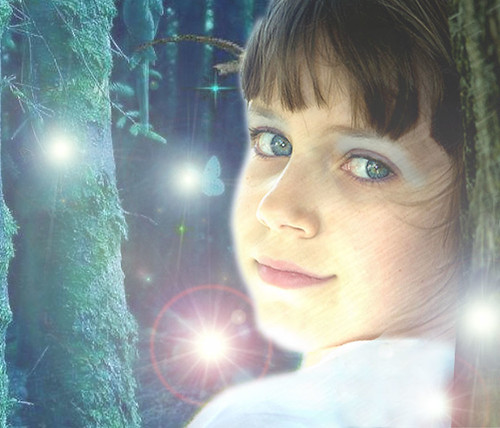
This is another girl in a fantasy setting like I did for Fix It Friday #6. I don't know what it is about little girls; I always want to make them into whimsical fairies. Maybe they'll get an adult's picture up for F.I.T. one of these days, and I can be inspired some other way.

I used Photoshop's artistic filters, lighting effects, and overall color tweaking techniques. I'm a fan of masks and transparent duplicate layers. Various additional images were found around the web in bits and pieces.

I think I might have gone a little overboard on this one. LOL Please comment and let me know what you think!

There are a lot more images to check out from other contributors, so click on that link if you'd like to see them too.
Saturday, March 14, 2009

iHeartFaces: Fix It Fridays #6


Over at iHeartFaces.com, they have a weekly event during which they take a "not-so-good" photo and give it to their contributors to "fix" in whatever photo editor they wish to use. There's no prize, but it's something fun for design geeks like me to do on a Friday afternoon.

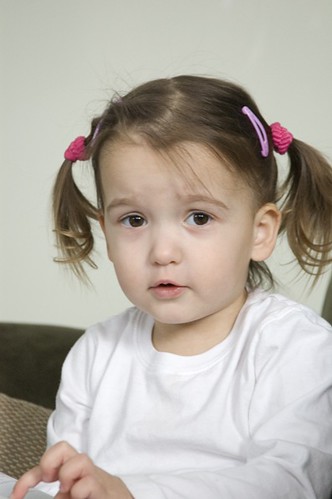
To the right is the image they provided for Fix-It-Friday, Week #6.

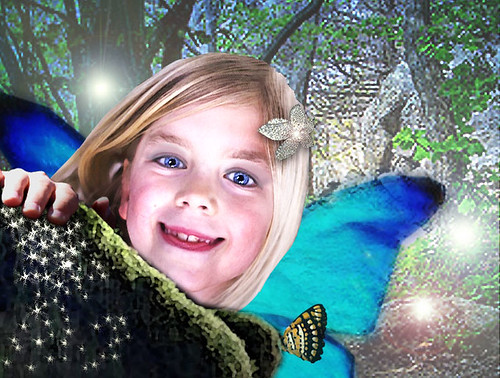
Below is how I edited it to my own liking.


I really love the way this one turned out. Her face and expression lend themselves to the new fantasy setting.

I used Photoshop and many fun filters to get the sketchy appearance. Masks and high-transparency layers were used. Background is a part of an image I found on the web.

The "fairies" were created using various levels and types of lens flares.

Please comment and let me know what you think!

There are a lot more images to check out from other contributors, so click on that link if you'd like to see them too.
Monday, March 9, 2009

iHeartFaces: Week 9, Contest

iHeartFaces.com is a fun photo site that has weekly contests with various themes, adults' or kids' faces. They keep track of submissions by allowing entrants to link directly to their posts.

The "prize" is having your photo displayed on their homepage with comments from the judges and a link to your blog. This week, the theme is "creative crop", and I'm entering this one for the kids category:


Here's the original, before the crop:


You can check out all the entries for this week HERE.

Friday, March 6, 2009

iHeartFaces: Fix-It-Fridays #5


Over at iHeartFaces.com, they have a weekly event during which they take a "not-so-good" photo and give it to their contributors to "fix" in whatever photo editor they wish to use. There's no prize, but it's something fun for design geeks like me to do on a Friday afternoon.

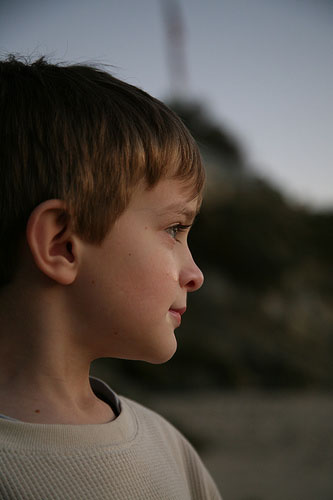
To the right is the image they provided for Fix-It-Friday, Week #5.

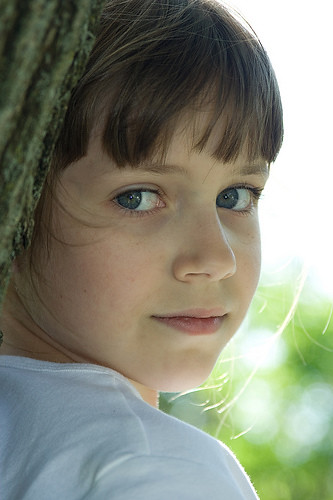
Below is how I edited it to my own liking.


The final image came out quite nicely if I may say so. :o)

I used Photoshop and many of its fun filters to get the overall look. A couple images I found on the web helped embelish the background and face.

The ear, I created mostly with the smudge and clone tools with a bit of paintbrushing too.

Please comment and let me know what you think!

There are a lot more images to check out from other contributors, so click on that link if you'd like to see them too.
Monday, February 23, 2009

I Heart Faces, Week 7 Contest

One of my dear CP teen writers, Twin4God, posted about a fun photo site called iHeartFaces.com. I thought this would be fun to share with the photographers who visit my blog.

They have weekly contests with various themes, adults' or kids' faces. They keep track of submissions by allowing entrants to link directly to their posts.

The "prize" is having your photo displayed on their homepage with comments from the judges and a link to your blog. This week, the theme is black and white, and I'm entering this one:


You can check out all the entries for this week HERE.